
Technology moves forward quietly but relentlessly, and smartphones are one of the clearest examples of this constant change. A phone that felt fast and reliable a few years ago can suddenly struggle with everyday tasks like opening a banking app or loading social media. This can feel frustrating, especially when the device still looks fine on the outside and meets your basic needs. The truth is that the gap between old hardware and modern software grows wider every year, often without users realizing it until problems appear. In this article, we will explain why older phones struggle with new apps and how you can make smart, practical decisions moving forward.
Reason 1: Outdated Hardware Hits Its Limit
Not Enough RAM for Modern Multitasking
Modern apps are designed to run multiple background processes at the same time. Even simple actions like checking messages while streaming music require memory to stay responsive. Older phones usually come with less RAM, which means the system constantly closes apps to free space. This leads to frequent reloads, slower switching, and an overall feeling of lag. For everyday users, this can turn simple multitasking into a frustrating experience. Over time, limited RAM becomes one of the most noticeable barriers to smooth daily use.
An Old Processor Can’t Keep Up with New Code
Processors are the brains of your phone, and software is written with newer chips in mind. App developers assume faster processing speeds and more advanced instruction sets. When an older processor tries to run this code, it takes longer to complete the same tasks. This results in slow loading times, stutters, and sometimes app crashes. Even if the phone once felt powerful, modern app complexity can easily overwhelm aging hardware.
Reason 2: Your Operating System Is No Longer Supported
Missing Critical Security and Performance Updates
Operating system updates do more than add new features; they also improve efficiency and security. When a phone no longer receives updates, it misses out on optimizations that help apps run smoothly. Security patches are also essential, as many apps rely on updated systems to protect user data. Without these updates, some apps may limit functionality or stop working entirely. This makes older phones feel unreliable even if the hardware still functions.
New Apps Require a Newer Android Version
Most modern apps are built for newer versions of Android that support updated frameworks and tools. Developers cannot realistically maintain compatibility with very old systems forever. As a result, app updates may refuse to install or run poorly on outdated versions. This creates a situation where users are stuck with older app versions that lack features or stability. Over time, the app ecosystem simply moves on.
Reason 3: App Developers Prioritize Newer Phones
Apps Are Built with Advanced Features in Mind
Today’s apps often include features like real-time image processing, AI-based suggestions, and enhanced animations. These features assume a certain level of hardware capability. On older phones, these features either run slowly or not at all. Developers focus on delivering rich experiences to the majority of users with newer devices. This leaves older phones struggling to keep up with modern expectations.
They Optimize for Newer, More Powerful Screens and Sensors
Newer phones come with higher-resolution screens and more advanced sensors. Apps are designed to take advantage of these improvements for better visuals and functionality. Older displays and sensors may not fully support these optimizations. As a result, apps can feel less responsive or visually inconsistent. This optimization gap further widens the experience difference between old and new devices.
What You Can Do About It?
Practical Tips to Extend Your Old Phone’s Usability
There are still ways to get more life out of an older phone if upgrading is not immediately possible. Reducing background apps, clearing storage, and using lighter app versions can improve performance. Keeping only essential apps installed helps conserve limited resources. Regularly restarting the phone can also free up memory temporarily. These small habits can make daily use more manageable.
How to Know When It’s Finally Time to Upgrade
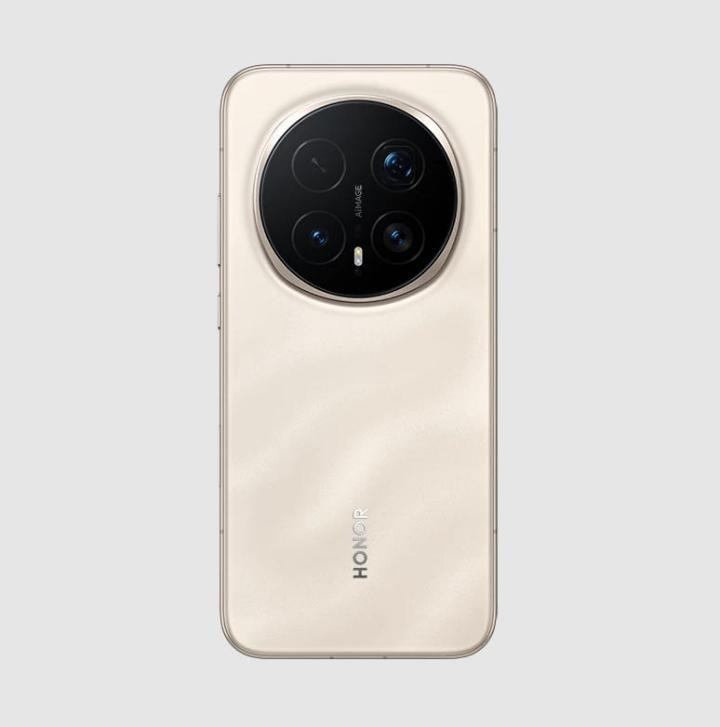
At some point, no amount of optimization can overcome fundamental hardware and software limits. If essential apps no longer update, security warnings increase, or daily tasks feel consistently slow, it may be time to move on. Many users reach this moment when they realize newer phones are designed to handle modern apps with ease and longevity. For example, people considering future-ready options may look toward upcoming models like the HONOR Magic 8 Pro uk as a way to avoid running into the same limitations again. Upgrading then becomes less about luxury and more about restoring reliability to daily life.
Conclusion
If your old phone struggles with new apps, it does not mean you chose poorly in the past. Technology evolves quickly, and software naturally grows more demanding over time. Understanding the real reasons behind these issues helps remove frustration and confusion. By recognizing when small fixes are enough and when an upgrade makes sense, you can make informed, stress-free decisions. In the end, the goal is simple: a phone that supports your daily life instead of slowing it down.
